

WindowCloser
Clear your macOS workspace instantly with one click or shortcut
There is a specific moment that WindowCloser was built for. You are about to join a video call and you have been working for three hours. There are browser tabs, a code editor, a few Finder folders from an earlier task and the usual pile of apps you opened and forgot about. You have about 30 seconds to clean this up.
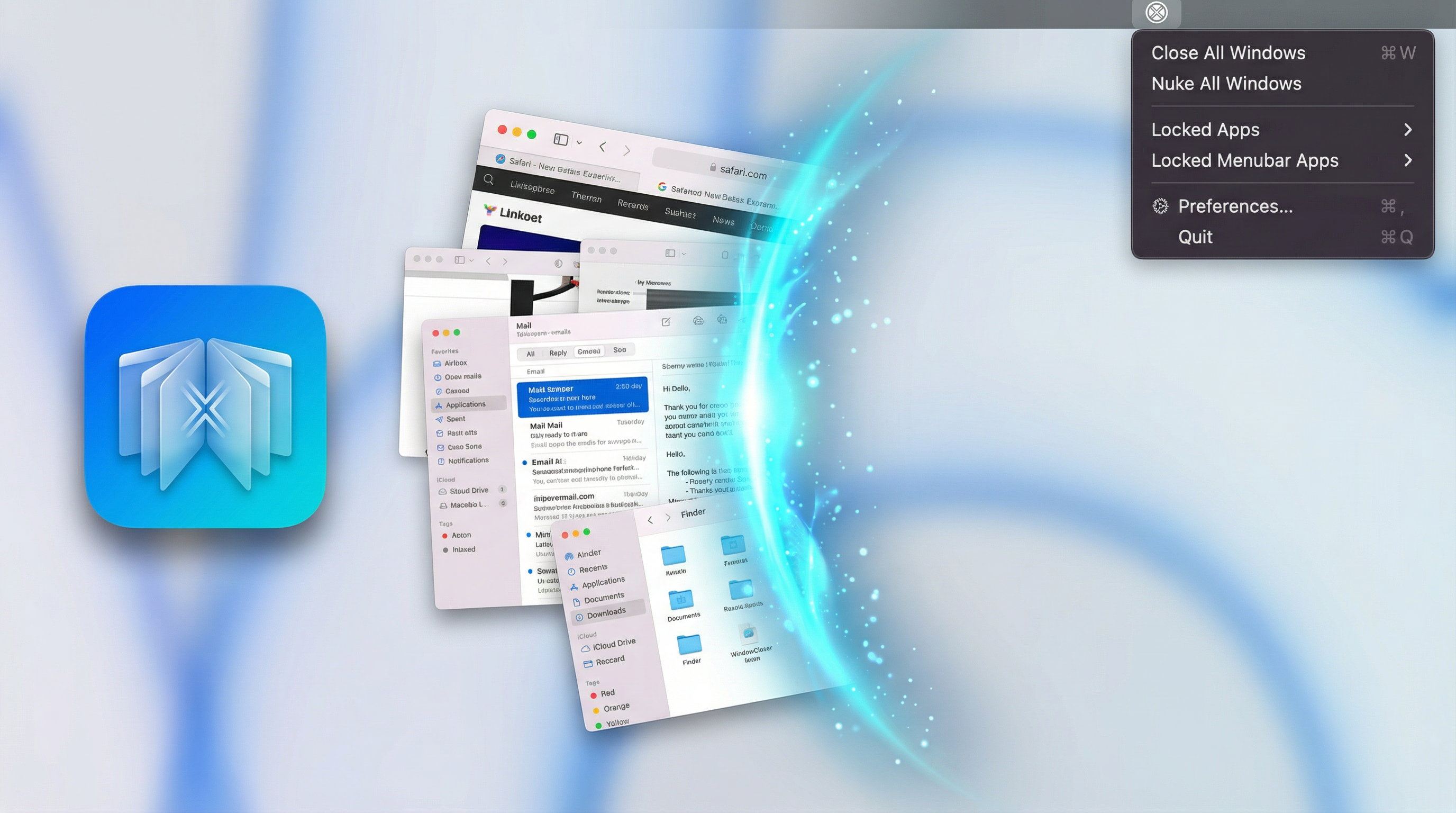
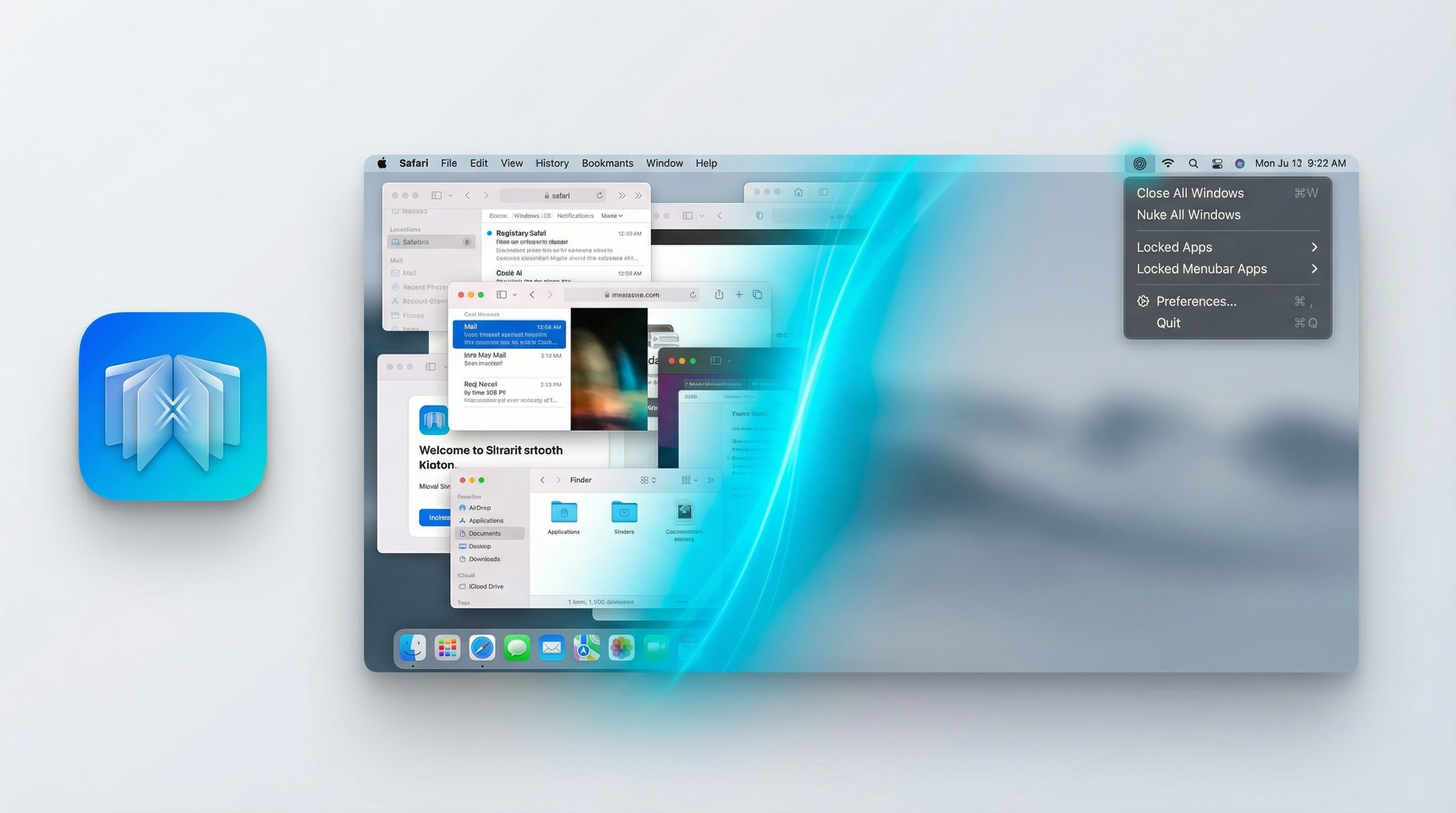
WindowCloser sits in your menu bar and gives you one click to close every window across every app on your Mac. Click the icon and all the windows are gone. Apps that need to stay running in the background keep running. The screen is clear.
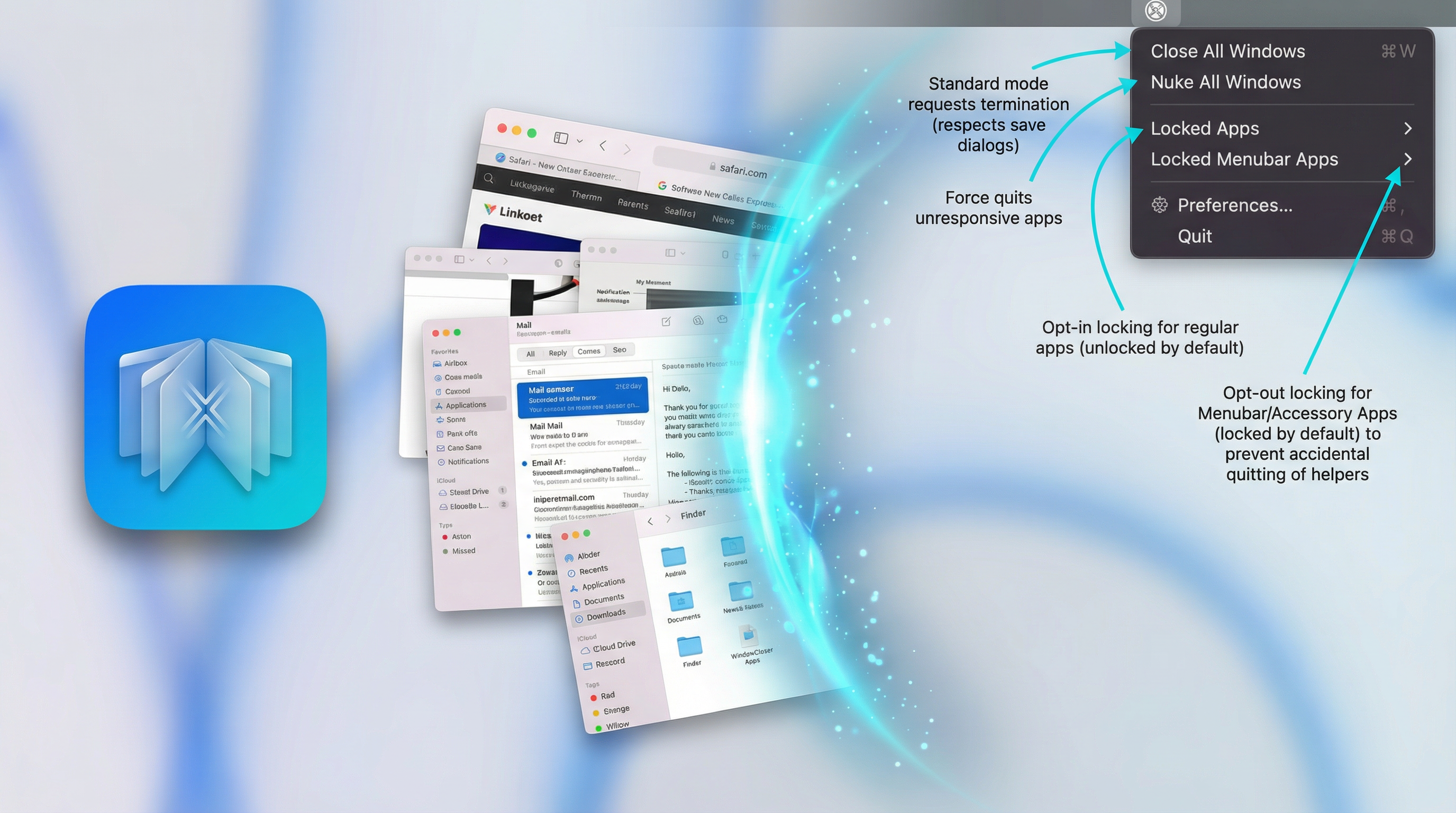
There are two modes. Close All sends a standard close signal to every unprotected window, the same signal macOS sends when you press Cmd+Q yourself. Any app with unsaved work will show its normal save dialog before closing. Nothing gets lost. Nuke All force-quits everything with no prompts at all, useful when you need a completely clean start or when something is frozen.
You decide which apps are protected. Background services and menu bar apps are protected by default so they stay running. Everything else is closed. If there is an app you always want to keep open, lock it in the settings and that choice sticks across restarts.
WindowCloser also supports a global keyboard shortcut. The default is Cmd+Shift+Option+W but you can change it to anything you want in System Settings under Keyboard Shortcuts. Once set it works from anywhere on your Mac without clicking the menu bar icon.
The app is available on Gumroad rather than the Mac App Store. The reason is technical: Apple's sandbox rules prevent any App Store app from sending close or quit commands to other apps' windows. WindowCloser needs exactly that permission to work so it has to live outside the App Store. It is still signed and notarized by Apple, which means macOS has verified it and Gatekeeper will not block it.
Available on
Key benefits
- Lock specific apps so they're never affected by a close-all action
- Background and menu bar apps are protected by default, configurable in Settings
- Closes all windows across every app in under 2 seconds
- Force-quits unresponsive apps when needed (Option+Click)
- Global shortcut set to ⌘⇧⌥W, fully customizable
- Lightweight native Swift app with zero performance impact
Use cases
- End your workday with a satisfying clean slate instantly
- Reset your workspace between different projects without quitting your tools
- Force-close stubborn apps that won't respond to standard close requests
Privacy
Pricing
paid
What's new
v1.0.0
Initial release with smart locking, global shortcuts and notarized binary.
FAQ
Will it quit my apps?
WindowCloser has two modes. Close All sends a standard quit signal to every unprotected app, just like pressing Cmd+Q. Apps with unsaved work will prompt you to save first. Nuke All force-quits everything immediately with no prompts, the same as Force Quit in Activity Monitor. Finder windows are included by default but you can turn that off in Settings. Normal apps are unprotected by default so they will be closed. Background and menu bar apps are protected by default so they will be skipped. Any app you manually protect stays protected across sessions.
Does it work with multi-monitor setups?
Yes, WindowCloser will close all windows across all your displays simultaneously.
How do I set a global keyboard shortcut?
Open System Settings, go to Keyboard then Keyboard Shortcuts, select App Shortcuts and add a new shortcut targeted at WindowCloser. You can assign any key combination you want and it will work from anywhere on your Mac.
Does it close Finder windows?
Yes, Finder windows are included in Close All by default. If you want to keep Finder windows open you can turn that off in the WindowCloser settings.
Will it close documents with unsaved changes without warning me?
No. Close All sends a standard quit signal so apps handle unsaved work the same way they would if you pressed Cmd+Q yourself. You will see the normal save dialog before anything is lost. Nuke All does force-quit without prompts, so use that one carefully.
Why is it on Gumroad and not the Mac App Store?
The App Store sandbox does not allow apps to send close or quit commands to other apps' windows. That is exactly what WindowCloser does, so it cannot be in the App Store. It is distributed on Gumroad as a notarized binary, which means Apple has still reviewed and signed it. Gatekeeper will not flag it.
How we compare
Why choose WindowCloser over Manual Window Management?
| Feature | WindowCloser | Manual Window Management |
|---|---|---|
| Speed | One click or keyboard shortcut to clear everything in <2 seconds. | Minutes spent hunting for small 'x' buttons or pressing Cmd+W. |
| Smart Locking | Protect specific apps from being closed, background apps skipped by default. | Manual effort to remember which windows to keep open. |
| Safety | Standard close signal respects unsaved work and shows save prompts. | Risk of accidentally closing important windows while rushing. |
| Efficiency | Reset your workspace between tasks without quitting your tools. | Workplace clutter that degrades focus and performance. |
Need help?
View full support page for WindowCloser — FAQs, troubleshooting, and contact options.
Or email us directly: [email protected]