
Stashmark
Save any link with one click. AI organizes it, your iCloud syncs it
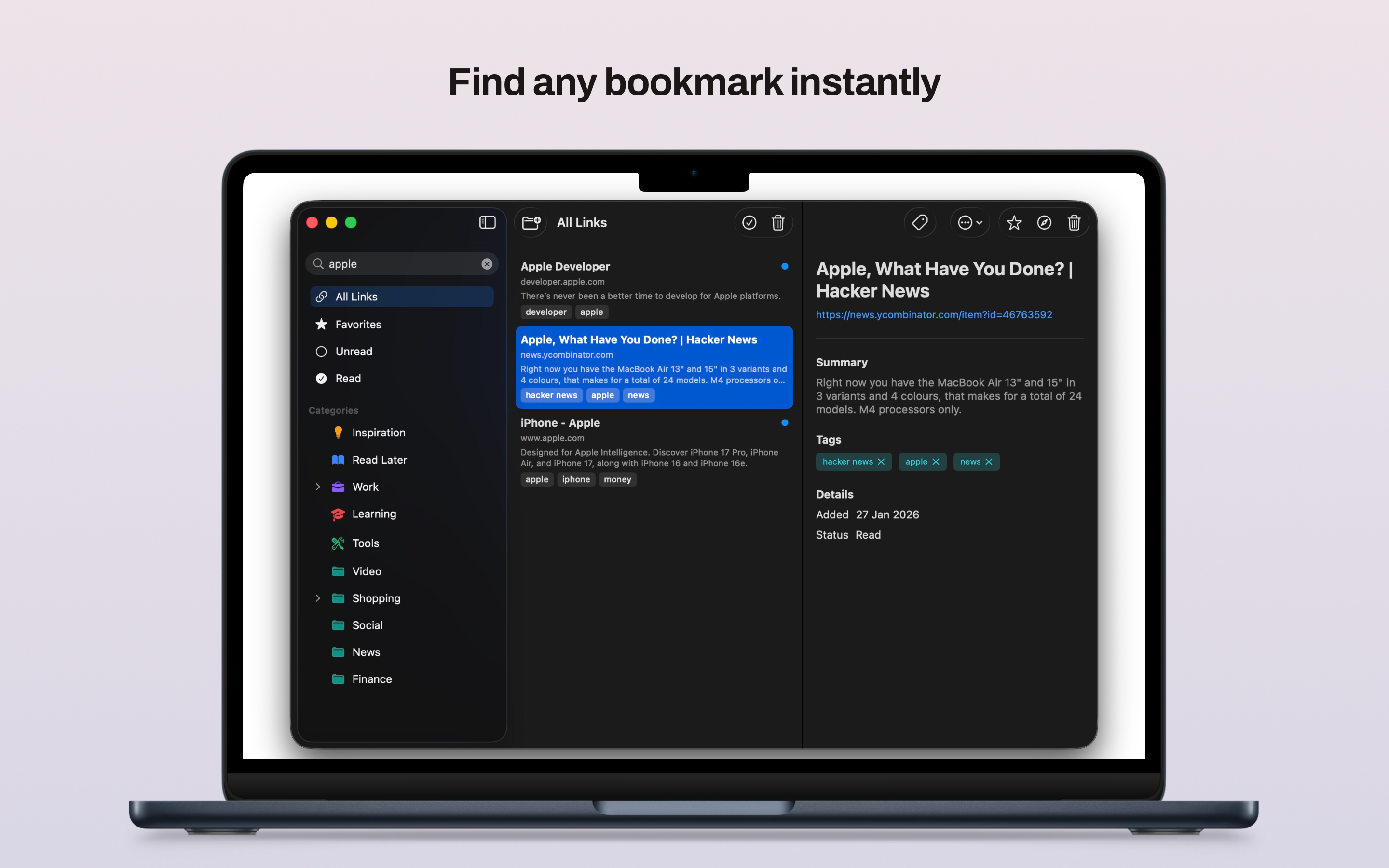
Most people have hundreds of browser bookmarks they never look at again. You save something in a hurry, it lands in an unsorted pile. Two weeks later you have no idea where it is or why you saved it. Regular bookmarks were designed to remember a URL, not to help you find things. That gap is exactly what Stashmark is built to close.
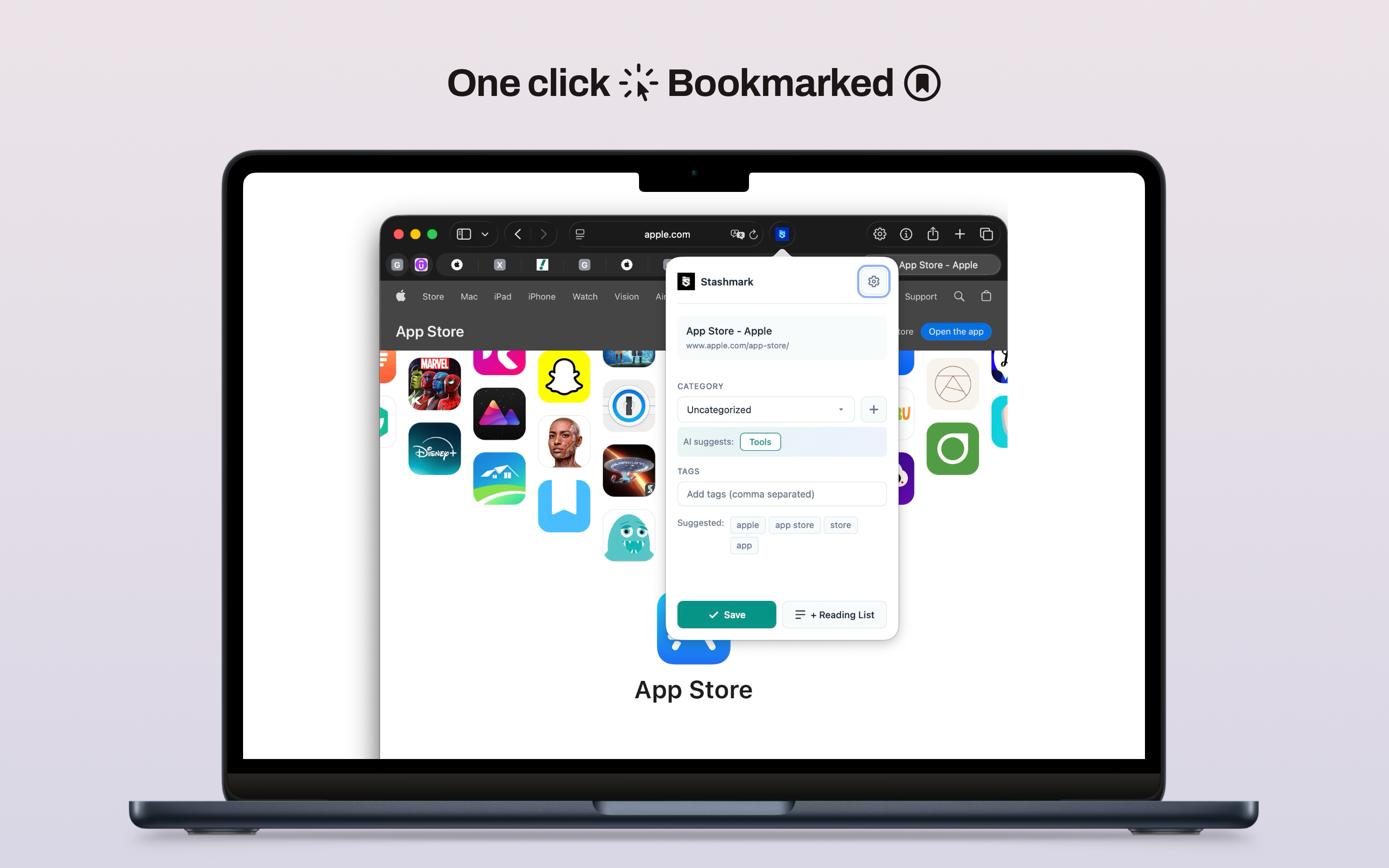
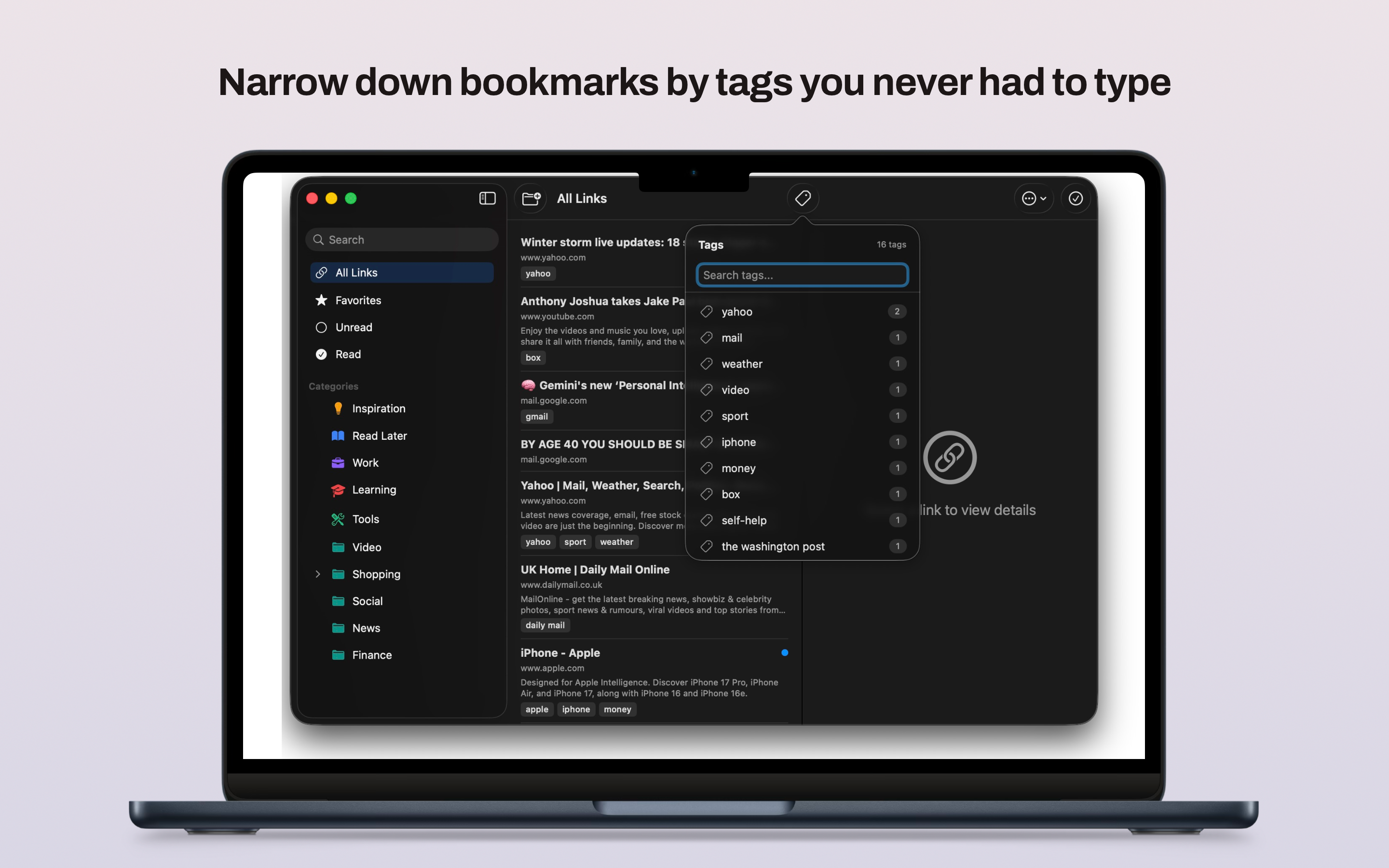
Stashmark is a Safari extension for macOS. When you land on a page you want to keep, you hit the keyboard shortcut, add a quick note if you feel like it and save. The whole thing takes a few seconds. What makes it different is what happens next: a small AI model running entirely on your Mac reads the page title and URL, figures out what kind of content it is and suggests a category. You can accept it or pick a different one. Either way, the link lands in your library with context attached, not just in a pile.
The AI runs on your device. The URL is never sent to any server for processing. There is no Stashmark account, no sign-up form, no back end that sees your browsing. This was a deliberate choice. If you are saving research, articles and things you want to read later, you probably do not want a company's cloud service sitting between you and that data.
Your library lives in iCloud under your own Apple ID. Stashmark uses CloudKit, which means your saved links sync to your other Apple devices the same way your contacts or notes do. Stashmark has no access to that data.
Because it is a Safari extension, there is nothing extra to install or maintain. It shows up in Safari's toolbar and behaves like a native macOS tool. You do not need to context-switch to a separate app.
Stashmark is for people who do a lot of reading and research online: developers collecting documentation, writers gathering references, students saving sources or anyone who has ever thought 'I know I saved this somewhere' and come up empty. If you save things to read or revisit later and you keep losing track of them, this is the tool that fixes that.
Available on
Key benefits
- Categorizes and tags links using on-device AI, no cloud required
- Zero external servers, zero tracking, zero data collection
- Stores data locally with optional iCloud sync via your own account
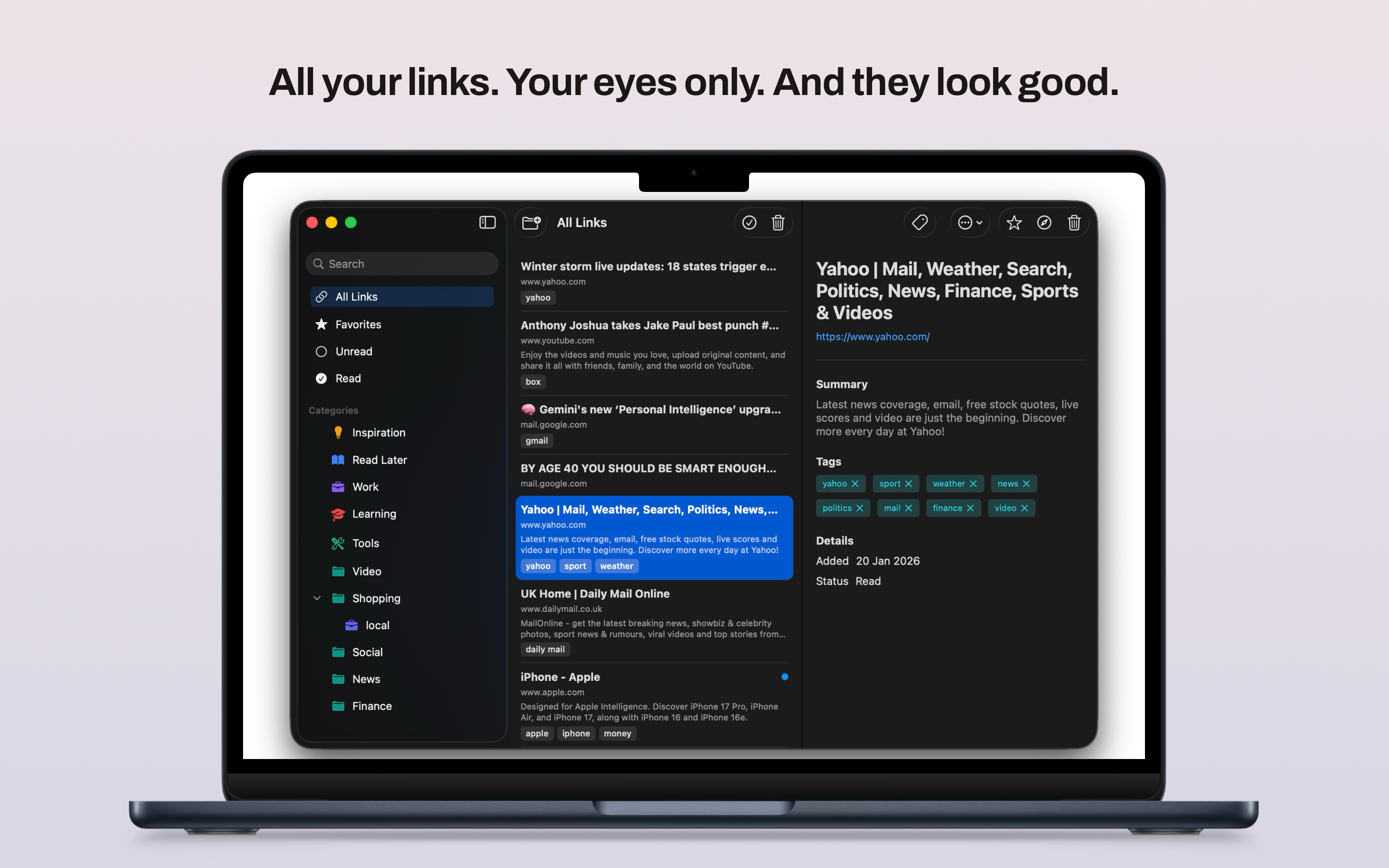
- Organize links in nested categories with recursive folder support
- Built with Swift and SwiftUI for a seamless native macOS feel
- Export your entire library anytime as JSON or HTML
Use cases
- Curate a private research library without relying on third-party cloud services
- Automatically categorize development resources, articles and inspiration
- Sync your curated links across all your Macs via your own iCloud account
Privacy
Pricing
paid
What's new
v1.0.0
Initial App Store release with AI categorization, iCloud sync and local storage.
FAQ
Is my data sent to any servers for AI categorization?
No. Stashmark uses Apple's Natural Language framework to process everything locally on your Mac. No data ever leaves your device.
Does it support iCloud sync?
Yes, Stashmark uses CloudKit to sync your data securely using your own personal iCloud account.
Can I export my saved links?
Yes. You can export your entire library as a JSON or HTML file from the settings panel. The export includes the URL, title, your notes and the assigned category for each link.
What macOS version do I need?
Stashmark requires macOS 14 Sonoma or later. It uses on-device machine learning features that are only available from Sonoma onwards.
How does the AI decide which category to assign?
The extension reads the page title and URL on your device and runs a classification model locally. It suggests a category which you can accept or change before saving. Nothing leaves your Mac during this process.
Does it work in Safari's private browsing mode?
Safari restricts extension access in private windows by default. You can enable Stashmark for private browsing in Safari's settings under Extensions if you want to save links while browsing privately.
How we compare
Why choose Stashmark over Typical Cloud-Based Link Savers?
| Feature | Stashmark | Typical Cloud-Based Link Savers |
|---|---|---|
| Privacy | 100% On-device processing. No data leaves your Mac. | Links sent to cloud servers for indexing and tracking. |
| Cost | One-time purchase. No monthly subscription fees. | Ongoing monthly or yearly subscription required. |
| Integration | Native macOS app & Safari extension. Built with SwiftUI. | Web-wrapped apps with inconsistent macOS feel. |
| Data Sync | iCloud (CloudKit). Your own personal account. | Proprietary cloud with independent user accounts. |
Need help?
View full support page for Stashmark — FAQs, troubleshooting, and contact options.
Or email us directly: [email protected]